

Summary
Use this guide when you want the fastest path from first login to a workspace that is ready for a controlled first campaign run. If you are coming in through the self-serve path, account creation starts on the sign-up page and then moves directly into organization onboarding.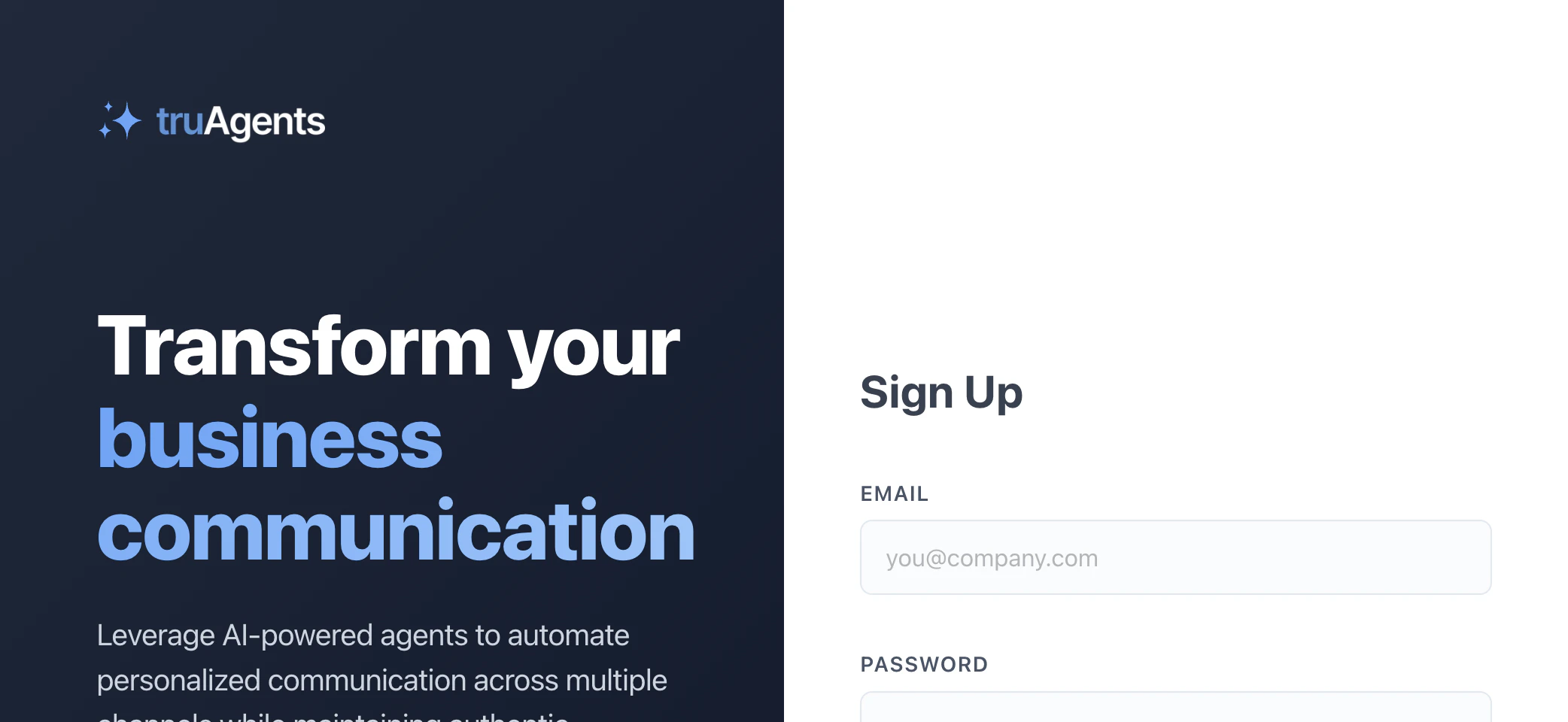
Who this is for
New users setting up TruAgents for the first time.What “done” looks like
- your organization exists and basic settings are complete
- your core channel setup is in place
- you have contacts to work with
- you have at least one agent and one campaign
- you can launch and inspect a first run without guessing where to look next
Fastest setup path
- Complete organization setup.
- Check the dashboard to see whether you are still in getting-started mode or already in going-live mode.
- Connect the minimum communication infrastructure you need, especially email and SMS setup if those channels are in scope.
- Import contacts through a file or data source path.
- Create your first agent.
- Create your first campaign.
- Launch a narrow first run and inspect the results in Communications and campaign-run views.
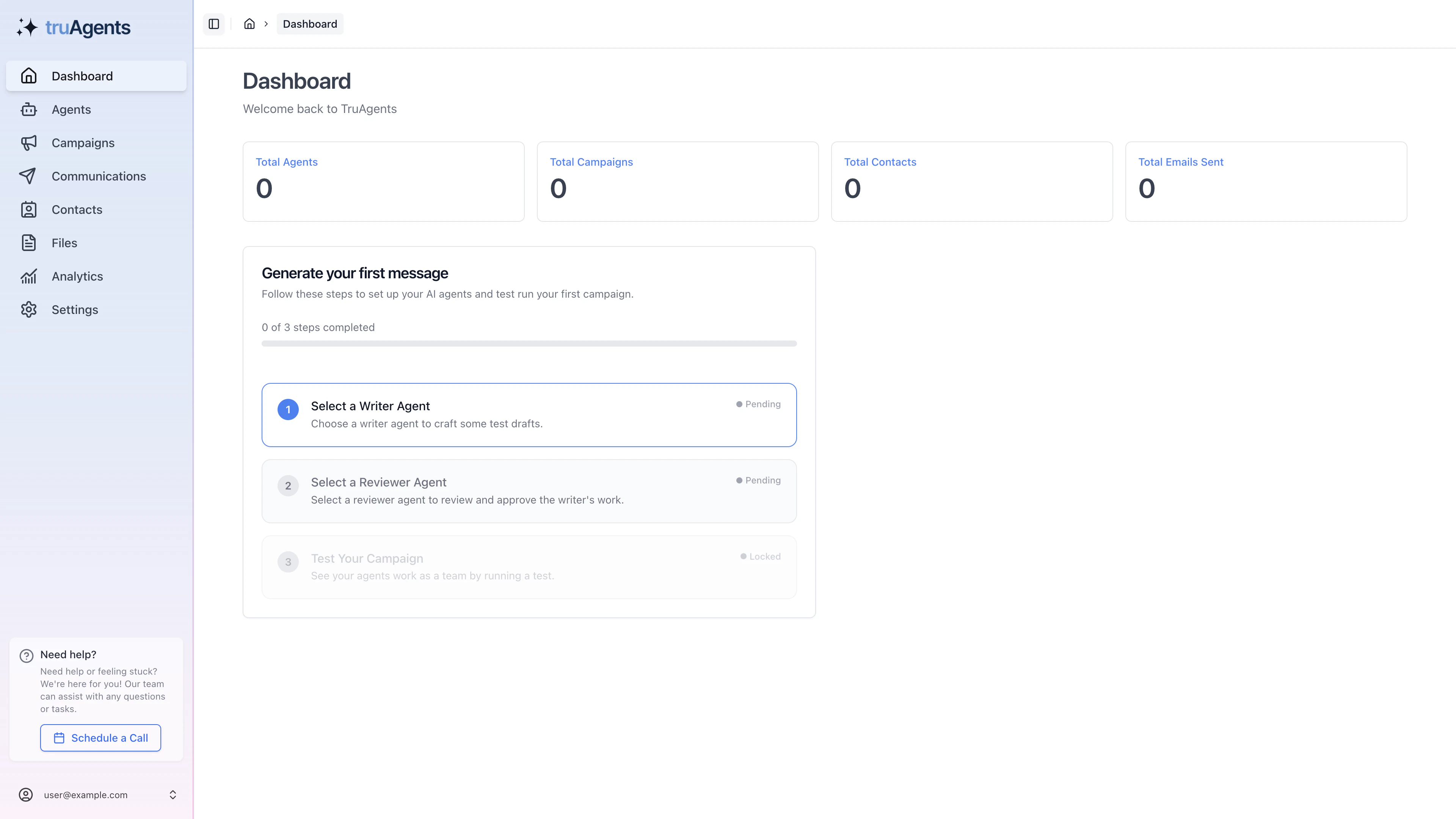
Where most teams actually slow down
The fastest path usually stops being fast in just three places:- the dashboard still shows setup-state guidance, so the team starts campaign work too early
- channel setup is only partially complete, especially for email
- the first campaign is technically created but not actually launch-ready
Recommended first-run strategy
- keep the audience small
- use one clear campaign goal
- avoid trying every channel at once
- inspect drafts, run history, and communication detail before scaling up
Where you will spend time in the app
- Dashboard
- Settings
- Contacts
- Agents
- Campaigns
- Communications
- Analytics