

Summary
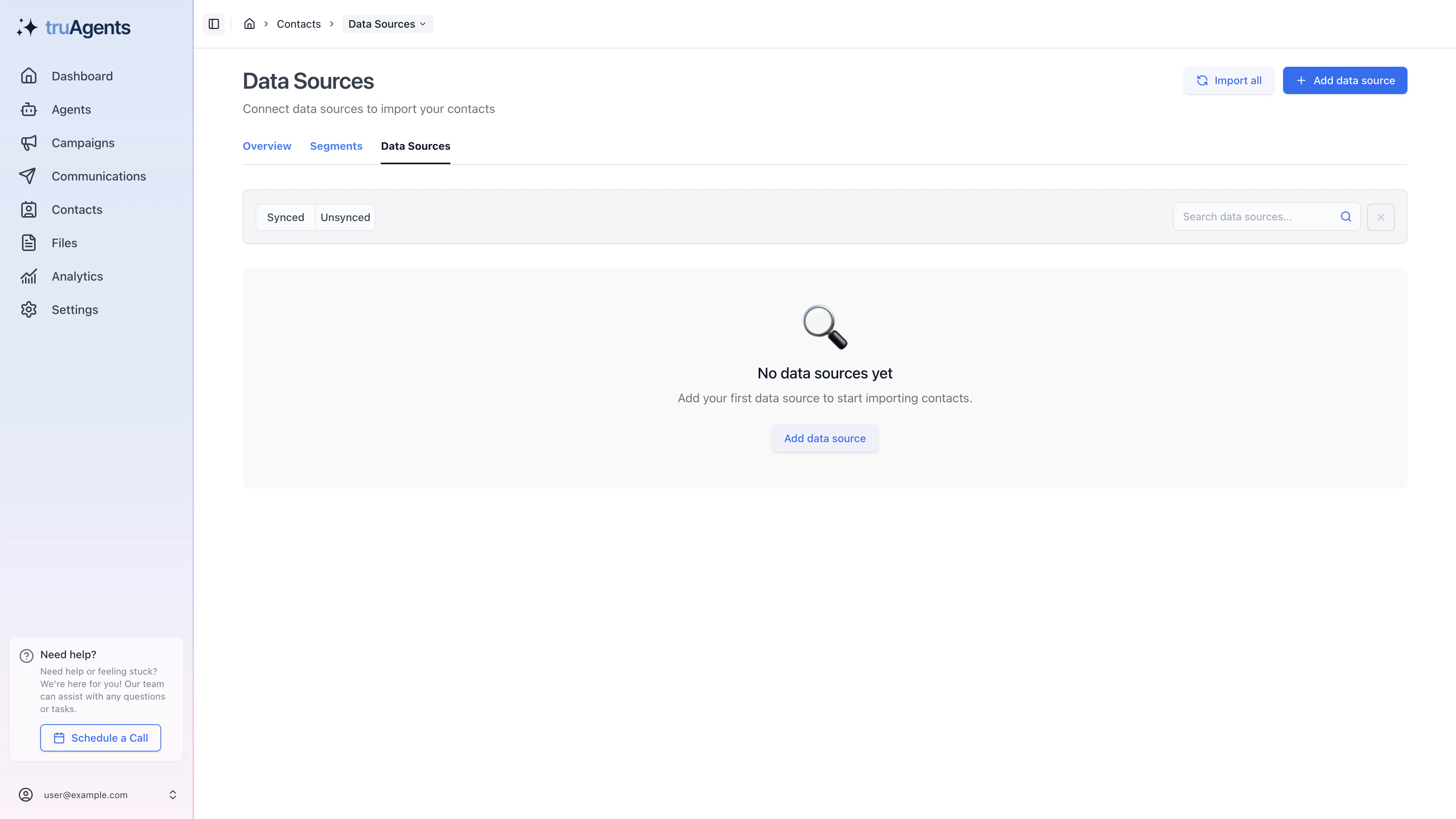
The Data Sources workflow is where teams manage the upstream systems that feed audience data into TruAgents. This is broader than a one-time import. It includes adding a source, mapping fields, syncing updates, inspecting the source later, and deleting or correcting sources when they are wrong.Who this is for
- Operators responsible for audience quality
- Admins connecting external systems
- Campaign managers who need confidence in the underlying contact data
Where to find it in the app
- Contacts
- Contacts → Data Sources
What the current app flow suggests
The current page structure supports:- viewing all data sources in one place
- opening a pane for a specific source
- adding a new source from several provider types
- syncing all data sources
- deleting data sources when needed
Typical workflow
- Open Contacts → Data Sources.
- Choose Add data source.
- Select the import path or provider you need.
- Complete mapping or credential setup.
- Verify that contacts appear correctly under Contacts.
- Revisit the source later to sync, adjust, or remove it.
How to choose the right path
File upload
Best when speed matters more than long-term sync behavior.Provider-backed sources
Best when the source system needs to stay connected to TruAgents over time.SFTP or structured external feeds
Best when the team already has an operational data pipeline and wants TruAgents to plug into it.Supported paths visible in the app today
- file upload
- HubSpot
- Mailchimp
- Salesforce
- SendGrid
- SFTP
What to verify before trusting a new source
Before you move on from setup, confirm:- the source name is recognizable to future teammates
- the provider selection is correct
- important identity and routing fields are mapped correctly
- imported contacts appear under Contacts
- the team knows whether this source should be synced later or treated as a one-time load
One-time import vs. ongoing sync
This is one of the most important distinctions in the whole workflow.
Do not assume every connected source behaves like a live two-way integration.
Common mistakes
- importing data without checking a sample of the results
- forgetting whether a source is meant to sync later
- assuming a connected source automatically means the data is ready for campaigns
- diagnosing bad campaigns before checking contact ingestion and mapping
- leaving data sources unnamed or ambiguously named
Operational checks
- The source is easy to identify later by name and provider.
- Required fields like email, phone, name, and timezone are mapped correctly.
- A sync produces expected contact results.
- The team knows whether this source should be treated as one-time import or ongoing sync infrastructure.