

Summary
Analytics issues and report-link issues get confused easily because they both involve reporting, but they have different access models and different failure modes. In the current product model, public reports are not just “analytics outside the app.” They are separately managed, tokenized report views with locked scope and a different sharing story.Who this is for
Customers and internal teammates diagnosing setup or operational issues.Common symptoms
- A user can see analytics in-app but a shared link is not behaving as expected.
- A shared link was created, but it should no longer be valid.
- A viewer expects a public report link to behave like a normal product session.
- A team is not sure where to manage a public report after it has been shared.
Quick distinction
- Analytics is for authenticated product use.
- Public reports use tokenized share links and are managed separately.
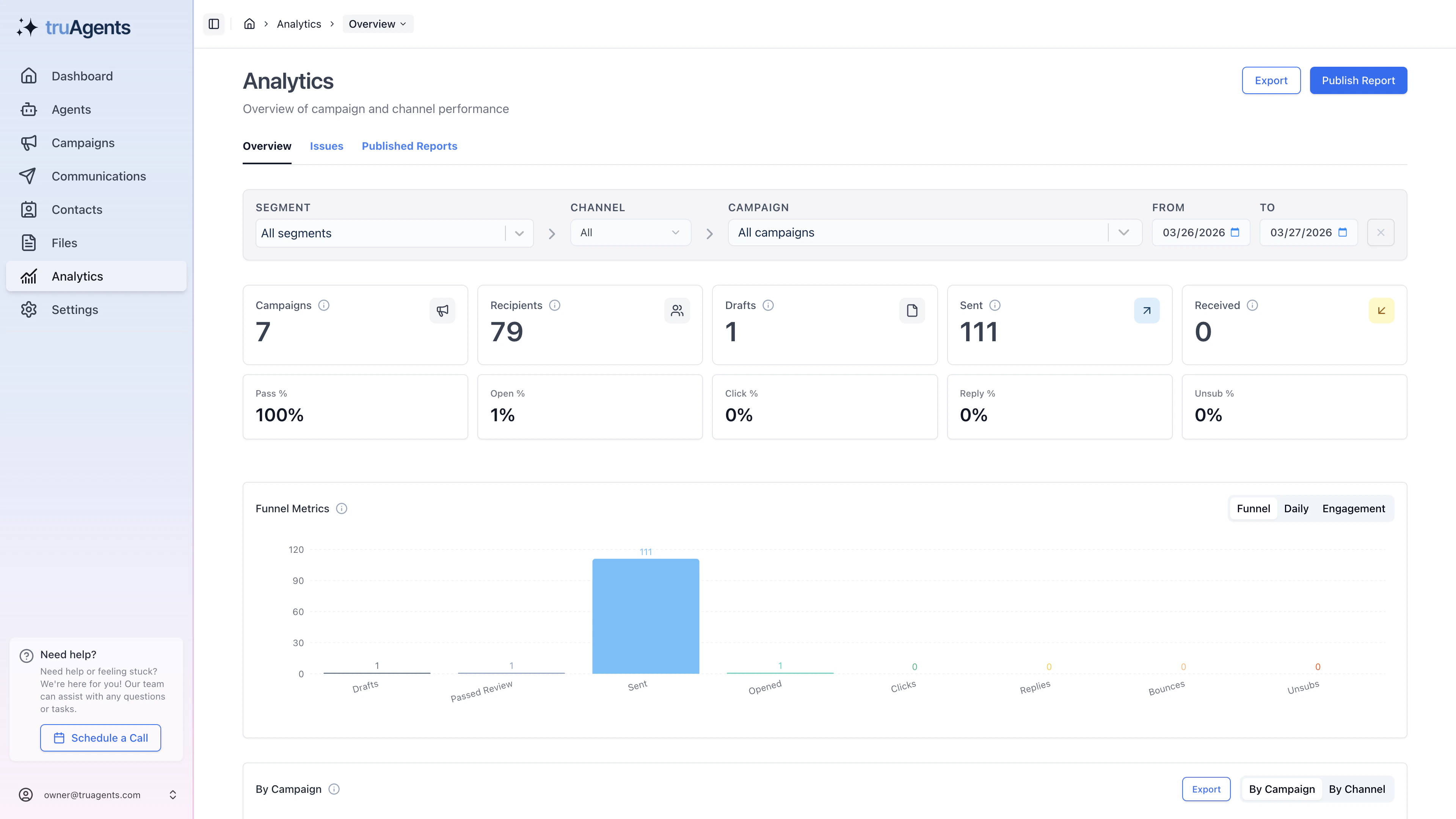
What public report links actually lock
The product behavior here is easy to misunderstand:- channel scope is locked
- campaign scope is locked
- segment scope is locked
- date range remains adjustable
Common failure patterns
”The link works, but the numbers changed”
That may not be a broken link. Public reports can keep the same locked scope while still allowing different date ranges.”The viewer expected to browse the app”
A public report link is not a product session. It is a limited external view, not a substitute for authenticated access.”We shared the wrong report”
Treat this as a public-report management problem. Check whether the wrong tokenized link was shared, whether the report is still active, and whether the original filters were too broad.”The report should be gone now”
If a link should no longer work, treat active status, rotation, or deletion as the first checks rather than assuming the browser cached something incorrectly.Fast triage flow
- confirm whether the user is in authenticated analytics or on a public report URL
- confirm whether the confusion is about access, scope, or date range
- confirm whether the report is still active
- confirm whether the report was created from the intended filters in the first place
First checks
- Confirm whether the issue is in authenticated Analytics or in a public report link.
- Confirm whether the report link is still active.
- Confirm whether the link was rotated or deleted.
- Confirm whether the expected viewer should be using the app or a share link.
- Confirm whether the user is confusing locked scope with adjustable dates.
Good operator habits
- give public reports clear titles before sharing them
- treat share links as external artifacts, not internal shortcuts
- verify the locked campaign, segment, and channel before sending a link
- remember that a valid link can still show different numbers if the date range changes