

Summary
The History view acts as the workspace audit trail. The current app suggests that it is more than a simple event list. It supports filtering, pagination, event metadata, source tracking, and drill-in detail views for certain versioned objects.Who this is for
- Owners and admins
- Operators diagnosing unexpected changes
- Internal teammates validating who changed what and when
Where to find it in the app
- Settings → History
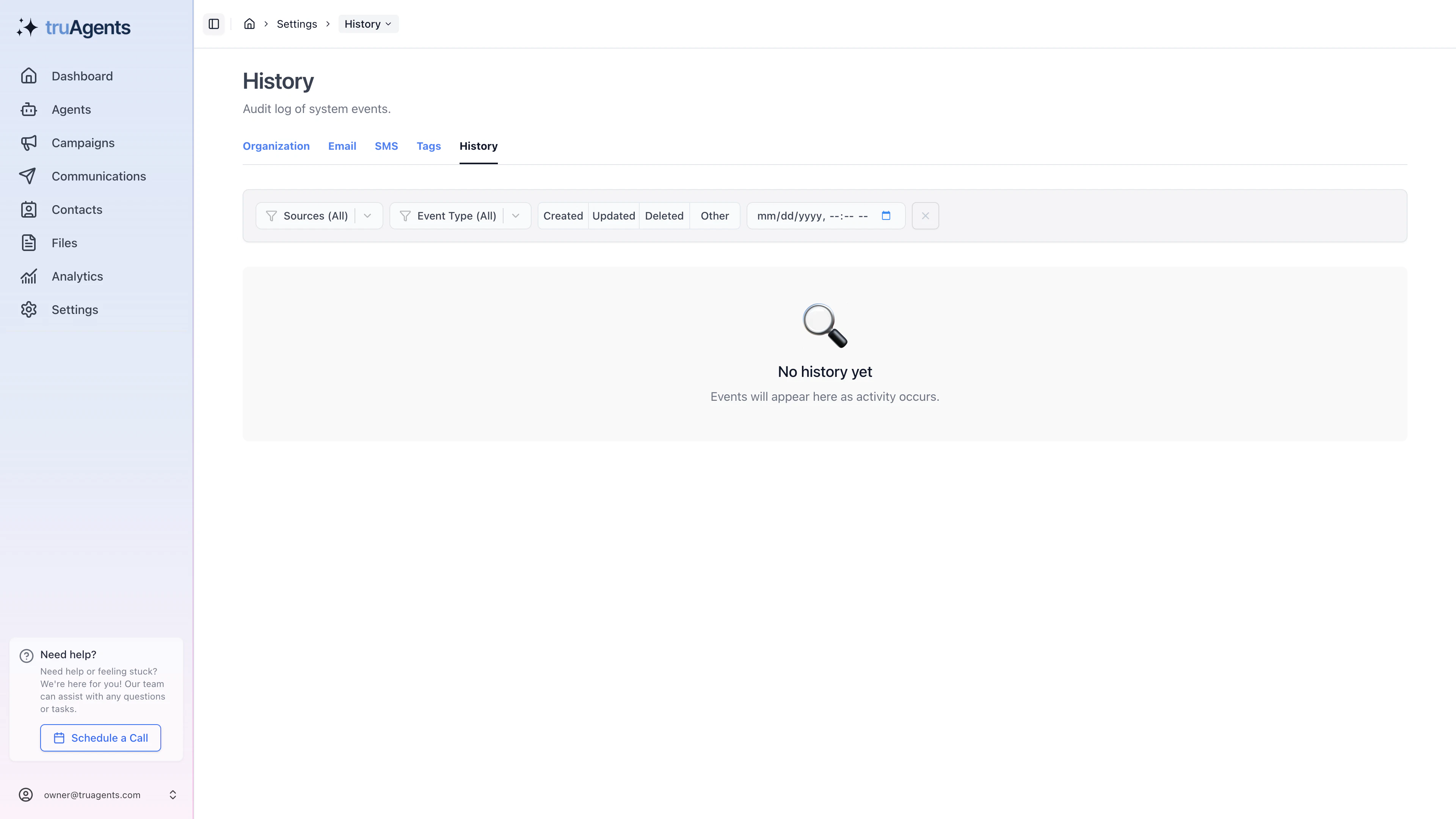
What the current history view suggests
The current UI appears to support:- filtering by source and event type
- viewing actor and metadata information
- inspecting timestamps and affected entities
- opening additional details for selected history events
- drilling into related version data for some items, such as campaign versions
Why this matters
As the workspace becomes more automated, teams need a way to answer questions like:- what changed
- who triggered it
- whether the change came from a user or another system source
- what version or object was affected
When to start here
Start with History when the question is:- “What changed recently?”
- “Who triggered this?”
- “Was this a user action or another system source?”
- “What earlier version or object explains what I am seeing now?”
Practical review flow
- filter to the likely source or event type
- inspect the actor and timestamp
- check the affected object or version
- open deeper detail when the history row points to a related versioned item
- only then decide whether the issue belongs in settings, campaigns, communications, or teammate access
Common mistakes
- treating the audit trail like a primary workspace for daily operations
- looking only at the timestamp without checking source or actor
- debugging permissions or campaign issues without checking whether a prior change explains them
- assuming every surprising behavior is a bug before reviewing recent history
Success checklist
- Admins know where to look when they need an audit trail.
- The team understands that history is for inspection, not primary workflow execution.
- Important changes can be traced back to an actor, source, or related object.